

logo
Mesaj gönder
Ana sayfa

blog Hakkında Android Phone Proximity Sensor Issues Common Fixes

Sertifika
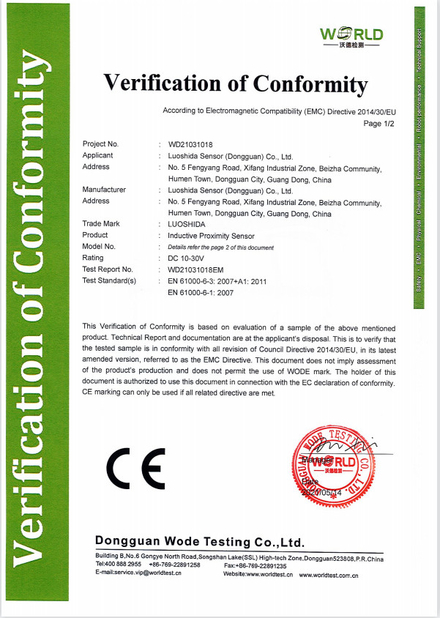
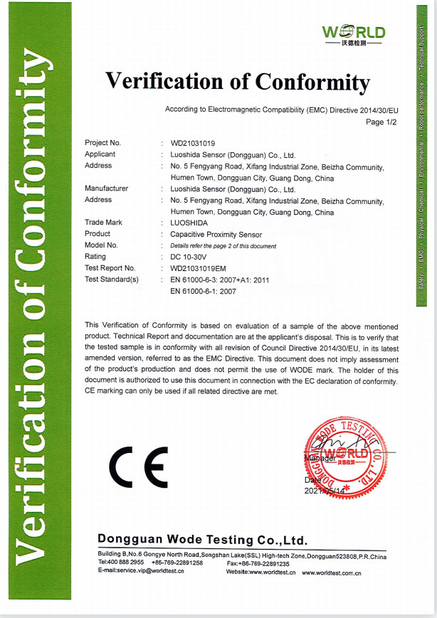
Çin Luo Shida Sensor (Dongguan) Co., Ltd. Sertifikalar
Ben sohbet şimdi
şirket blog
Android Phone Proximity Sensor Issues Common Fixes
hakkında en son şirket haberleri Android Phone Proximity Sensor Issues Common Fixes

Have you ever experienced the frustration of your phone screen failing to turn off during calls, leading to accidental hang-ups or unintended activation of the speakerphone? This common issue is often caused by a malfunctioning proximity sensor on Android devices.

The proximity sensor, typically located near the top of your phone’s front panel, detects when your device is close to your face during calls. Its primary function is to automatically turn off the screen to prevent accidental touches. When this sensor fails, it can significantly disrupt your calling experience.

Troubleshooting Steps

Before assuming hardware failure, try these solutions:

  • Restart your device: Many temporary software glitches can be resolved with a simple reboot.
  • Check for physical obstructions: Screen protectors or phone cases, particularly low-quality ones, may interfere with the sensor’s operation. Remove them to test if the issue persists.
  • Calibrate the sensor: Most Android devices offer built-in calibration options in the Settings menu under “Display” or “Accessibility.” Look for “Proximity sensor” or “Nearby sensor” settings and follow the on-screen instructions.

Advanced Solutions

If basic troubleshooting doesn’t work:

  • Update your system: Ensure your phone runs the latest Android version, as updates often include bug fixes for sensor-related issues.
  • Consider professional repair: Persistent problems after trying all software solutions likely indicate hardware failure. In such cases, consult authorized service providers for diagnosis and potential sensor replacement.

Proximity sensor malfunctions are common but often fixable. With methodical troubleshooting, you can typically restore normal call functionality. If problems continue despite your efforts, professional technical support remains the most reliable solution.

Pub Zaman : 2026-02-25 00:00:00 >> blog list
İletişim bilgileri
Luo Shida Sensor (Dongguan) Co., Ltd.

İlgili kişi: Mrs. Anna

Tel: 18925543310

Sorgunuzu doğrudan bize gönderin (0 / 3000)