

logo
문자 보내

블로그 약 Android Phone Proximity Sensor Issues Common Fixes

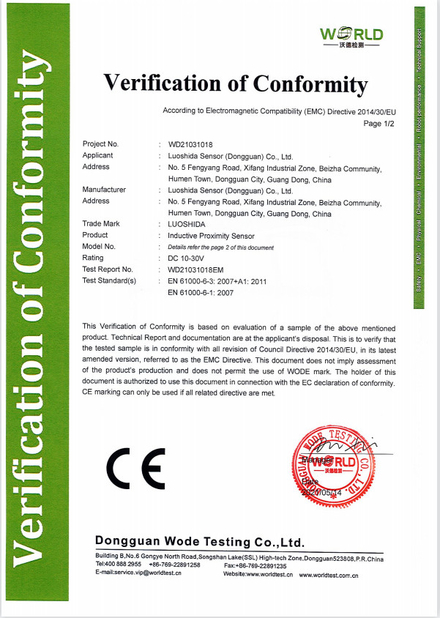
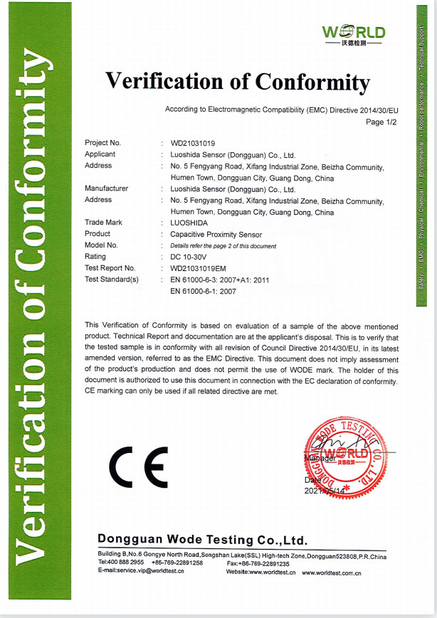
인증
중국 Luo Shida Sensor (Dongguan) Co., Ltd. 인증
제가 지금 온라인 채팅 해요
회사 블로그
Android Phone Proximity Sensor Issues Common Fixes
에 대한 최신 회사 뉴스 Android Phone Proximity Sensor Issues Common Fixes

In today's smartphone-dependent world, technical issues can significantly disrupt daily routines. One common problem Android users encounter is proximity sensor malfunction, which manifests through symptoms like premature screen blackout during calls or persistent darkness after calls. This guide provides a systematic approach to diagnosing and resolving proximity sensor issues.

The Vital Role of Proximity Sensors

Despite their small size, proximity sensors perform crucial functions in smartphones. These components primarily manage screen behavior during calls and support facial recognition features. When malfunctioning, users experience inconveniences like accidental screen touches or failed biometric authentication.

Technical Fundamentals

Modern smartphones employ two primary proximity sensing technologies:

  • Infrared Technology: Uses reflected IR beams to measure distance. While cost-effective, this method is susceptible to ambient light interference.
  • Ultrasonic Technology: Measures time-of-flight for sound waves to determine proximity. This approach offers greater precision but at higher implementation costs.

Initial Diagnostic Steps

Physical Inspection

Begin by examining the screen area near the earpiece (common sensor location) for:

  • Surface contaminants that might obstruct sensor operation
  • Screen damage that could distort sensor readings

Accessory Evaluation

Screen protectors—particularly low-quality or improperly fitted ones—often cause sensor issues. Consider:

  • Removing the protector temporarily for testing
  • Selecting protectors specifically designed for your device model
  • Choosing materials that don't interfere with sensor signals

Software Troubleshooting

Basic Solutions

Simple software interventions can often resolve sensor problems:

  • Device Restart: Clears temporary system data and resets sensor functions
  • System Updates: Addresses known bugs through manufacturer-provided patches

Advanced Measures

  • Factory Reset: Restores original system configuration (requires data backup)
  • Driver Verification: Checks for corrupted or outdated sensor drivers

Hardware Considerations

When software solutions fail, potential hardware causes include:

  • Sensor component failure
  • Internal circuitry damage
  • Age-related sensor degradation

Professional repair services are recommended for hardware issues, as DIY attempts may exacerbate problems.

Preventive Maintenance

  • Regular screen cleaning
  • Protection from physical impacts
  • Avoidance of extreme environmental conditions

Technical Deep Dive

Advanced troubleshooting may involve:

  • Sensor recalibration procedures
  • Permission management for sensor-accessing applications
  • System-level diagnostics

Understanding these technical aspects empowers users to make informed decisions about repair options and preventive measures.

선술집 시간 : 2026-05-16 00:00:00 >> blog list
연락처 세부 사항
Luo Shida Sensor (Dongguan) Co., Ltd.

담당자: Mrs. Anna

전화 번호: 18925543310

회사에 직접 문의 보내기 (0 / 3000)